How it works

A home game, start to finish

Here's what a student does on a game night, using the screens they'll see in the app. Every step happens at the game, which is the point.

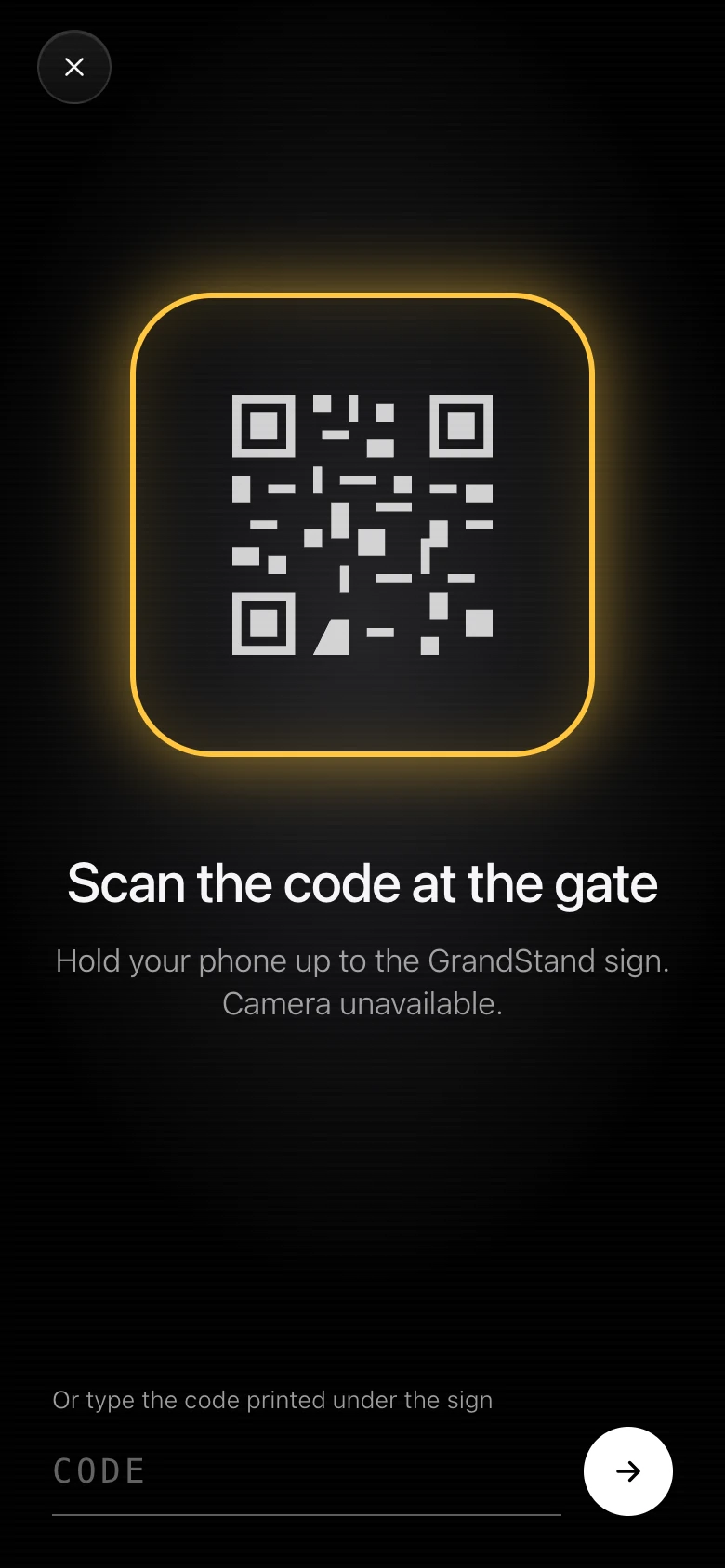
The check-in screen with a QR code viewfinder and the words Scan the code at the gate
Step 1 of 5

Check in at the gate

Your office prints a GrandStand sign for the entrance with a QR code on it. Students open the app, hold their phone up to the sign, and they're checked in. If the camera can't read it, there's a short code printed under the sign they can type instead.

Schools that would rather not post a sign can turn on check-in by location, where the server checks that the phone is at the venue. Either way, nothing unlocks until the student is actually there.
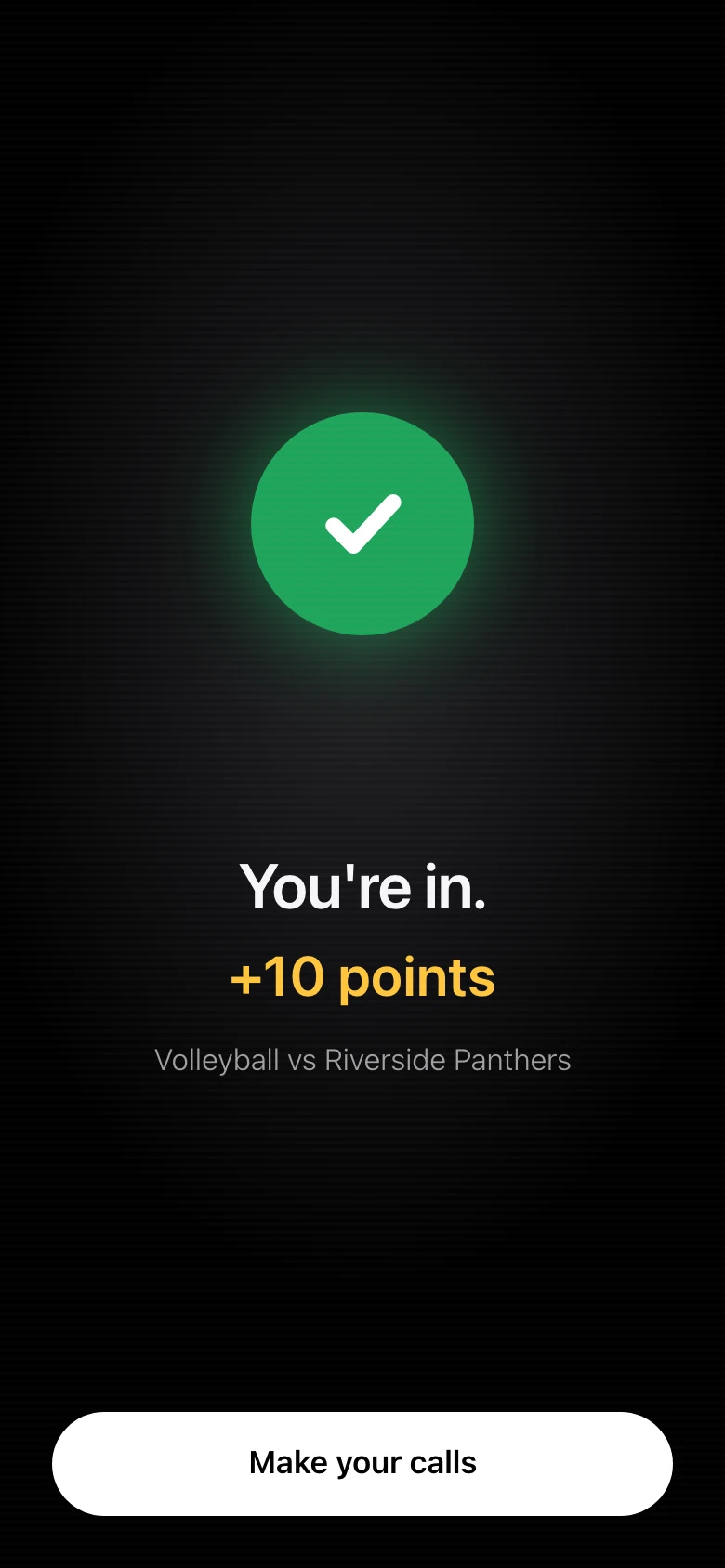
The confirmation screen after a check-in: a green check, the words You're in, plus 10 points, and a Make your calls button
Step 2 of 5

Showing up is worth points

The first check-in of the week is worth 10 points and each one after that is worth 5, so a student who comes to volleyball on Tuesday and football on Friday earns for both. Perfect attendance at every home game of a sport is worth 100 on its own.

There's a weekly streak as well, and keeping it going alongside a friend earns a 15 point Streak Buddy bonus.

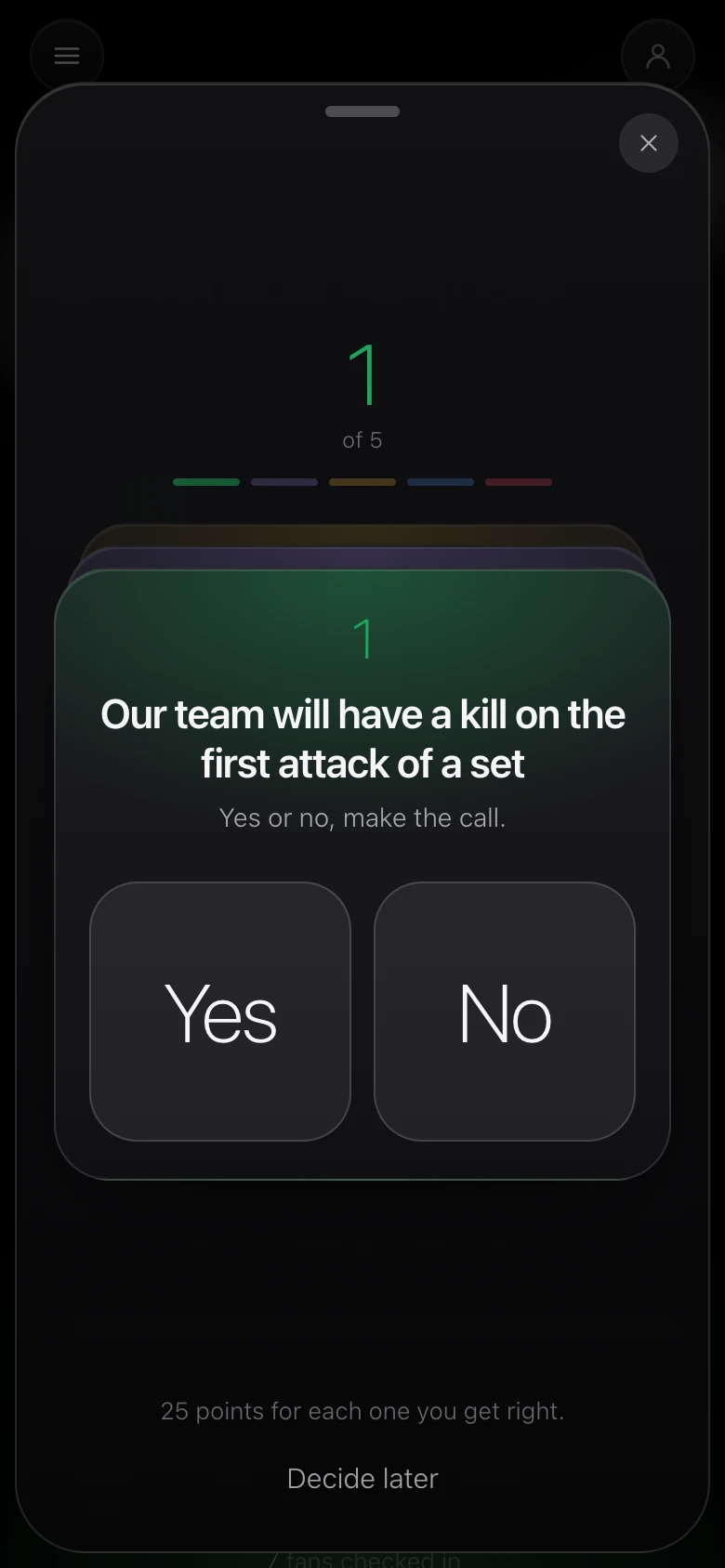
The first of five calls for a volleyball game, with Yes and No buttons and a note that each correct call is worth 25 points
Step 3 of 5

Make five calls before it starts

Every game has five yes-or-no questions about our team: whether we score in the first quarter, whether the defense holds a set under 20 points, whether we close out a set on the first set point. Students answer all five, and the calls lock on their own at the scheduled start time.

Each call they get right is worth 25 points. Five questions are added automatically when the office creates a game, and the office can write its own on the game's page.

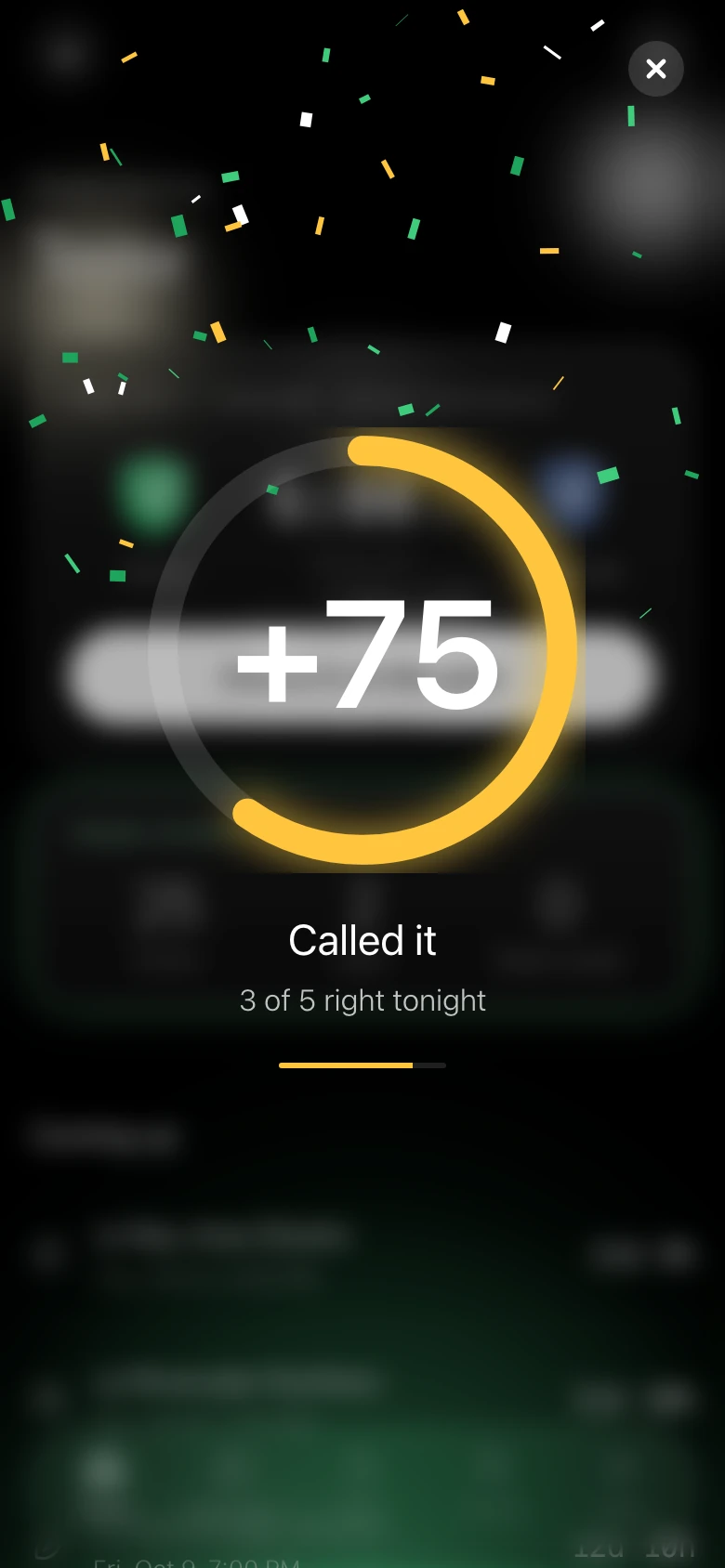
The points moment: a gold ring around plus 75 with confetti, the words Called it, and 3 of 5 right tonight
Step 4 of 5

Results post after the game

Once the office enters the results and marks the game final, points land. The screen dims, a ring fills, and the number counts up inside it with confetti in the school's color. The app calls that moment Called it.

The home screen shows season points, rank and the week's streak, and the school leaderboard is a tap away.

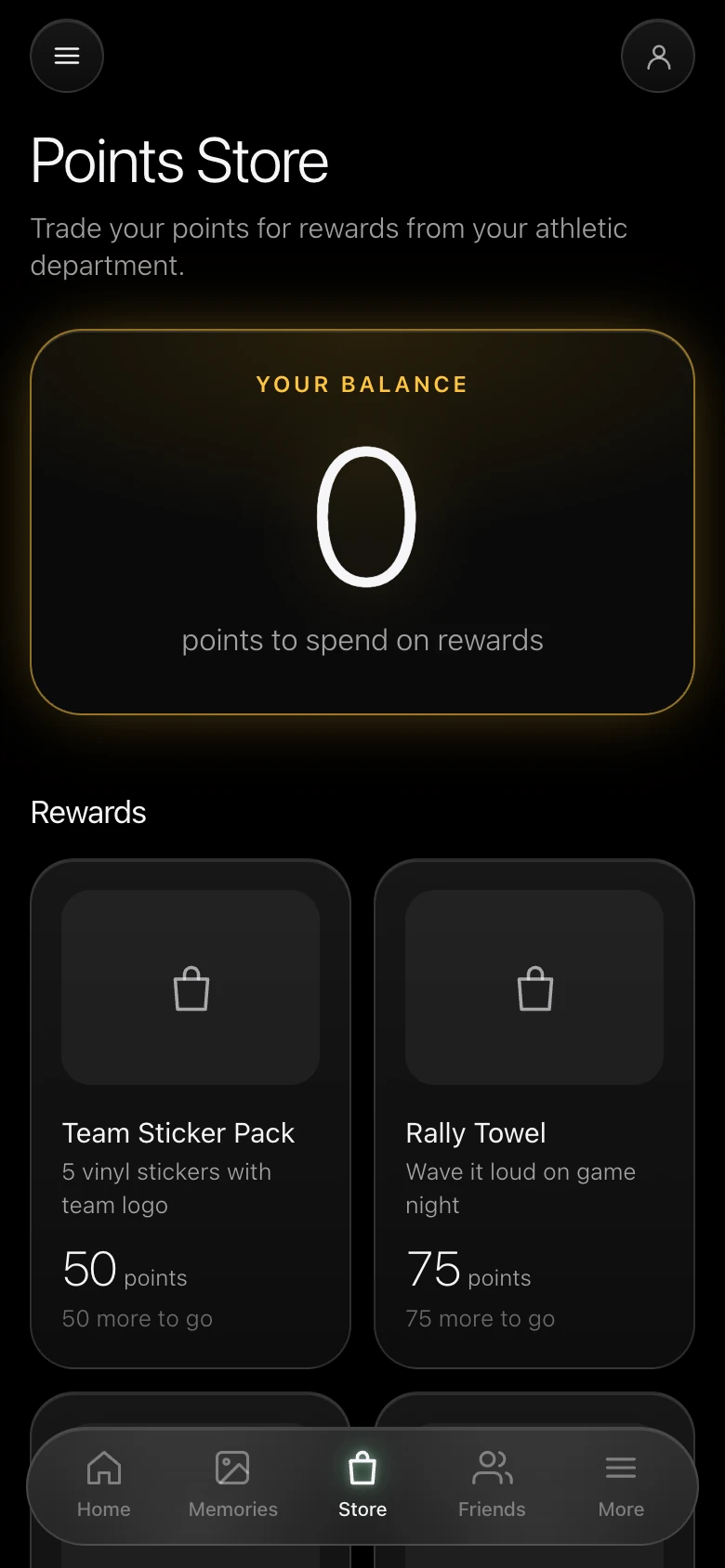
The Points Store, with a points balance and rewards such as a team sticker pack for 50 points and a rally towel for 75
Step 5 of 5

Spend points on real rewards

Points add up over the season and spend in the Points Store, which your athletic department stocks with whatever it chooses: a sticker pack, a rally towel, a water bottle, a pennant. When a student redeems something, they get an eight-character code and bring it to the athletic office to pick up the order.

How points add up

Here's what each thing is worth over a season. The Buddy, Rally and Full House bonuses stack on top of a check-in, and on boosted nights like Homecoming everything doubles.

+10Your first check-in of the week
+5Each extra check-in that same week
+25Each correct call
+100Perfect attendance at every home game of a sport
+15Streak Buddy, or a Section Rally
+30Full House, when a whole Section shows up
2xBoosted games double everything

Sections turn it into a group thing

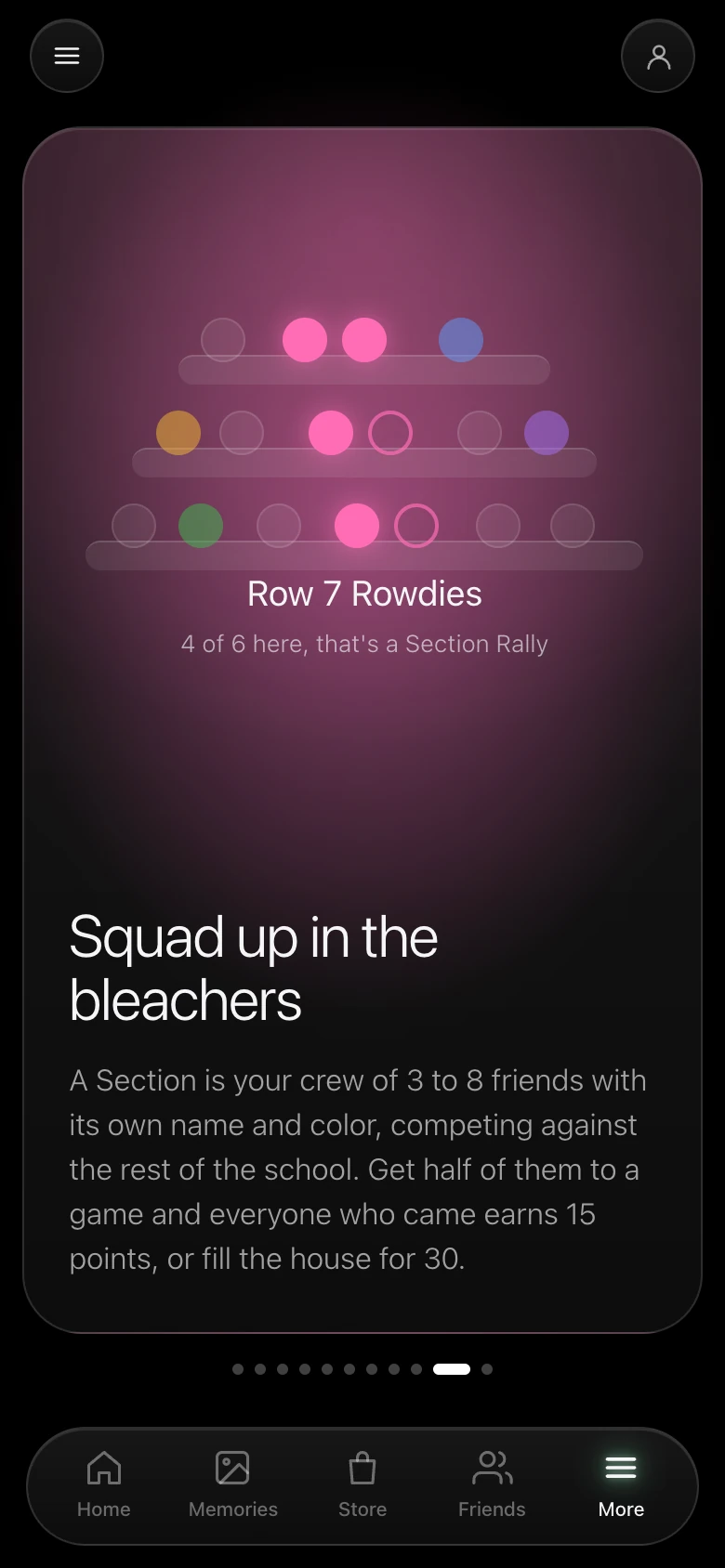
A Section is a crew of 3 to 8 friends with its own name and color, competing against the rest of the school. Get half of them to a game and everyone who came earns 15 points for a Section Rally, and when the whole Section shows up it's a Full House, worth 30.

Students can see where they and their Section stand on the school leaderboard from the home screen, and a Friends tab shows who else is checked in.

An explainer screen titled Squad up in the bleachers, describing a Section as a crew of 3 to 8 friends with its own name and color

Now the office side

Everything above is set up and run from one dashboard. The next page walks through what's in it and what a game night asks of your staff.