
Empty bleachers are a solvable problem.
GrandStand is a fan app for K-12 athletics. Students check in at the gate, make five calls on the game, and earn points toward rewards from your athletic department. Your office runs it from one dashboard, and it costs the same whether you have 200 students or 2,000.
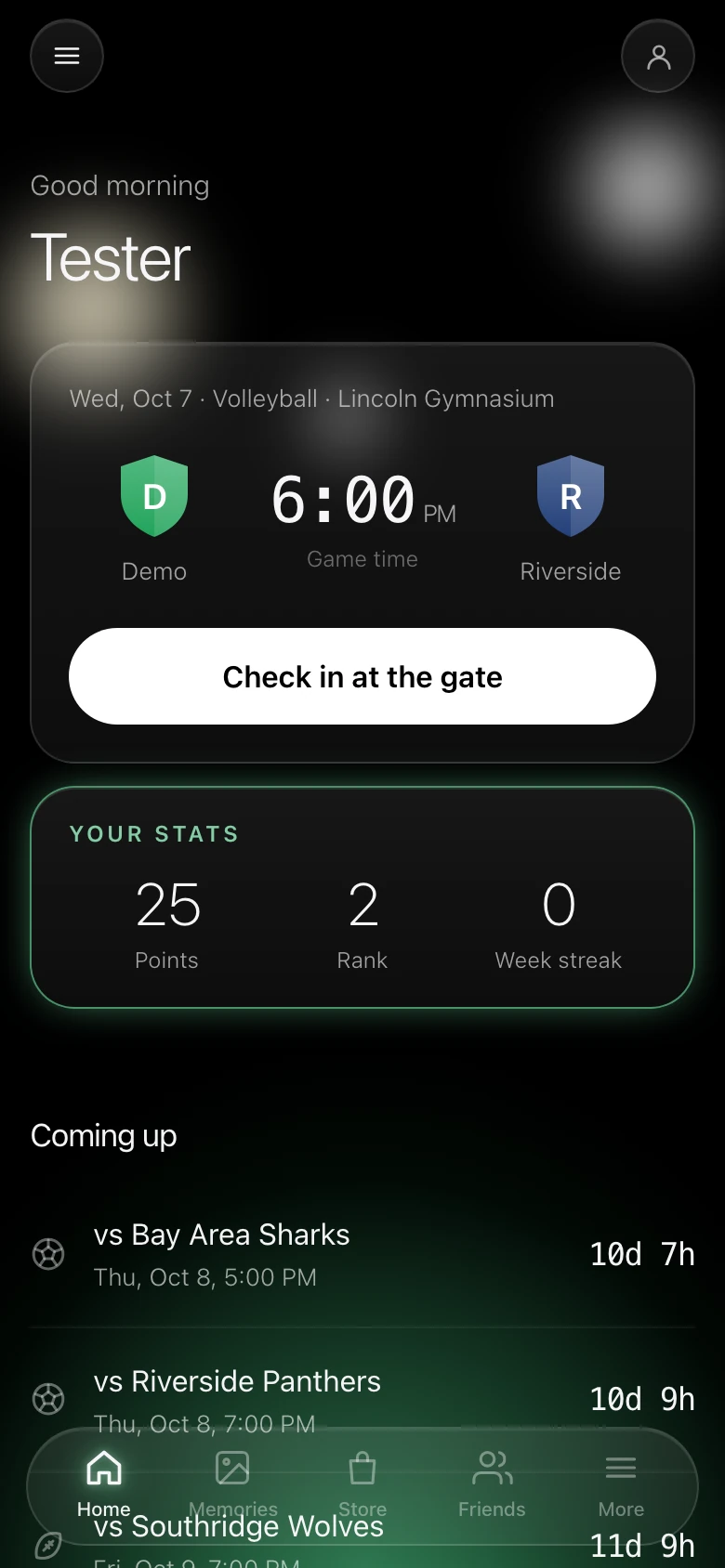
A home game, from the student's seat
Three screens carry most of a game night. These are the screens as they're in the app today, not drawings of them.
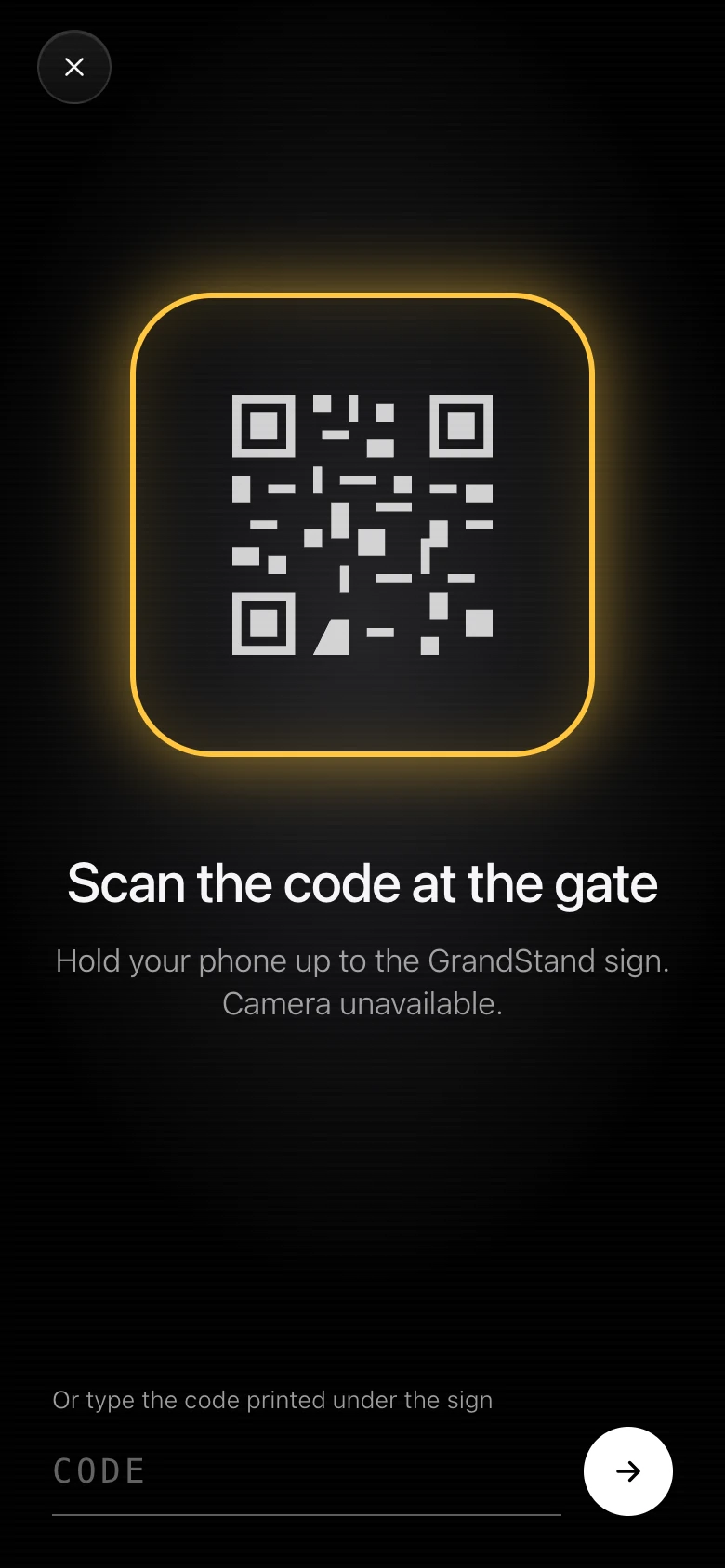
Check in at the gate
Students scan the code on your sign at the entrance, or check in by location if you turn that on. Showing up is worth points on its own, and nothing else in the app unlocks until they have.
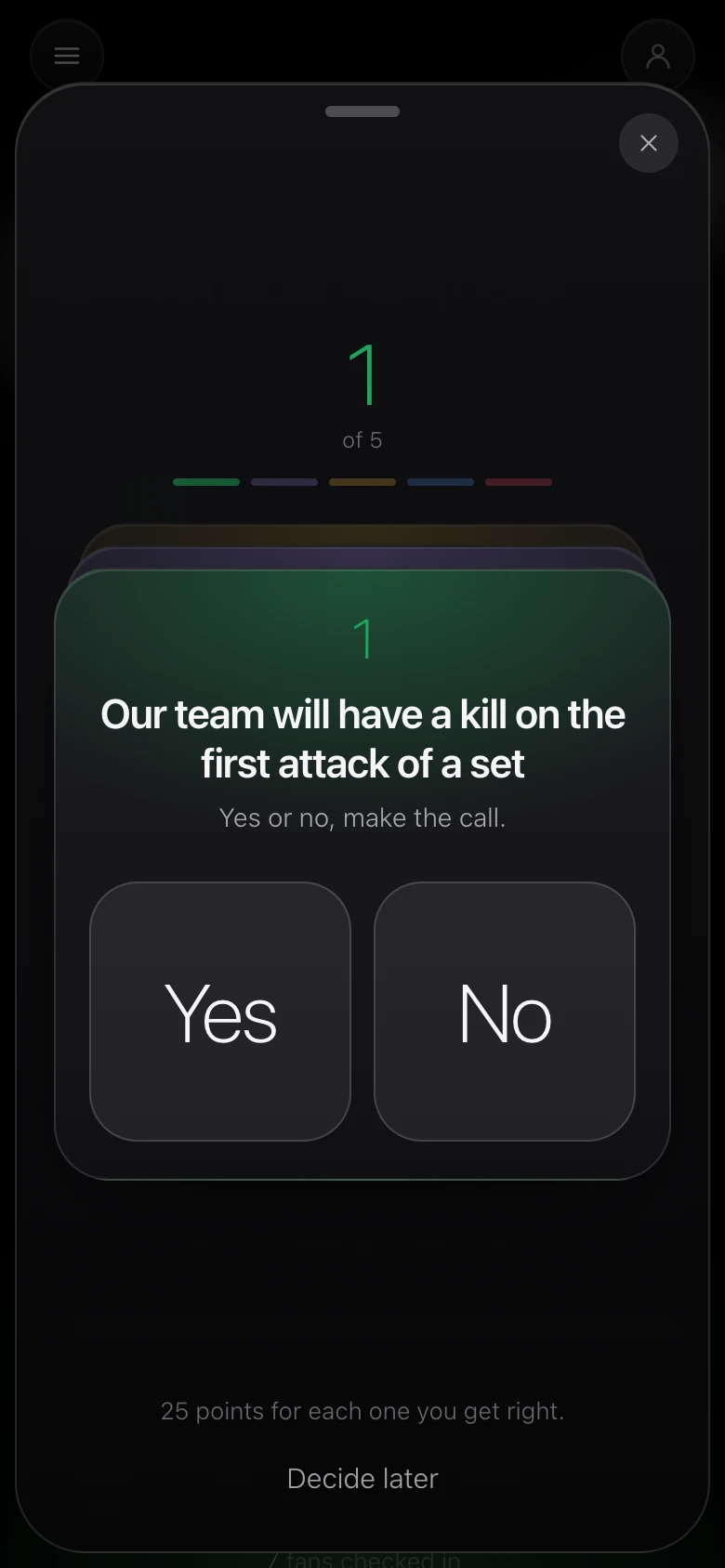
Make five calls
Every game has five yes-or-no questions about our team, answered before it starts. Each one they get right is worth 25 points, and the results post after the game.
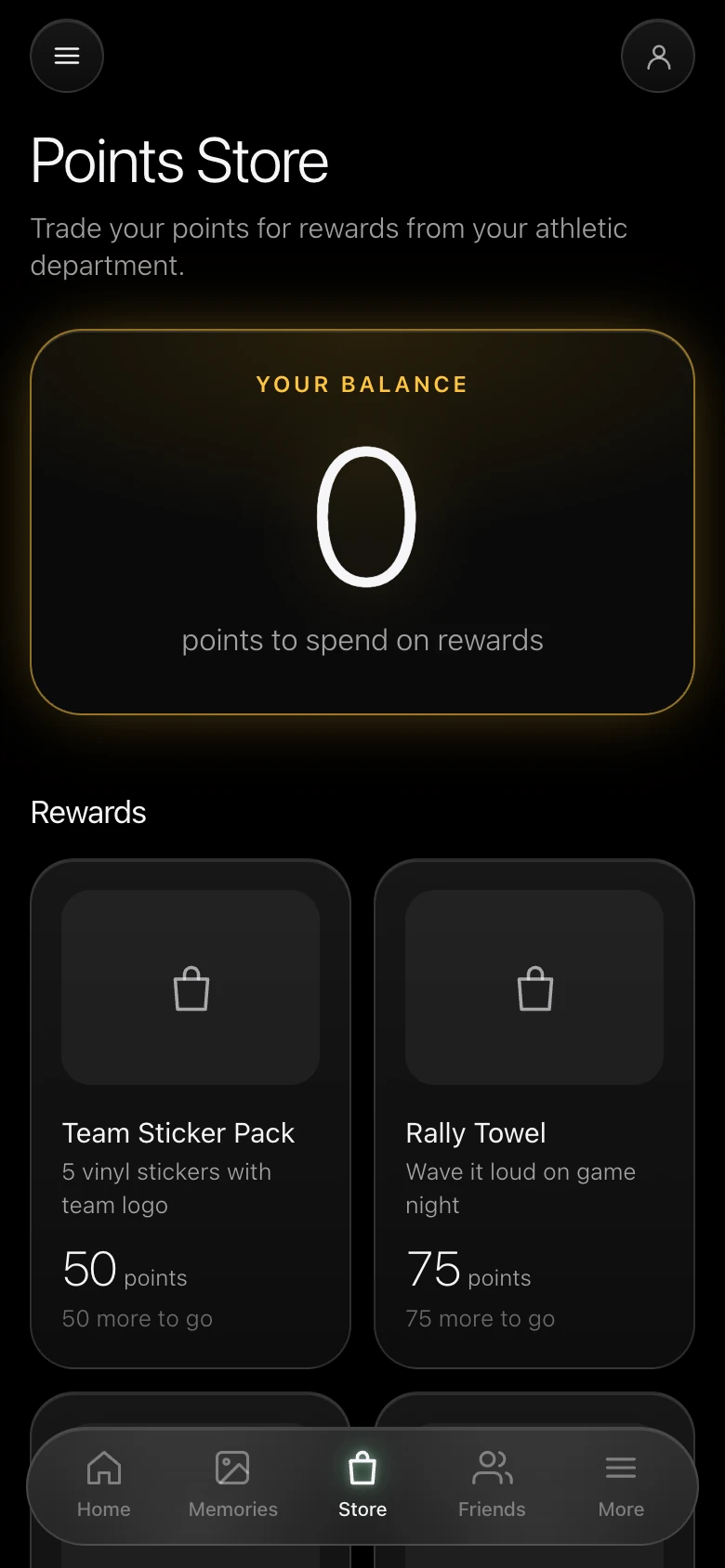
Spend points in the store
Points add up across the season and buy rewards your department stocks, from a sticker pack to a rally towel. Students pick their orders up at the athletic office.
Your office runs it from one dashboard
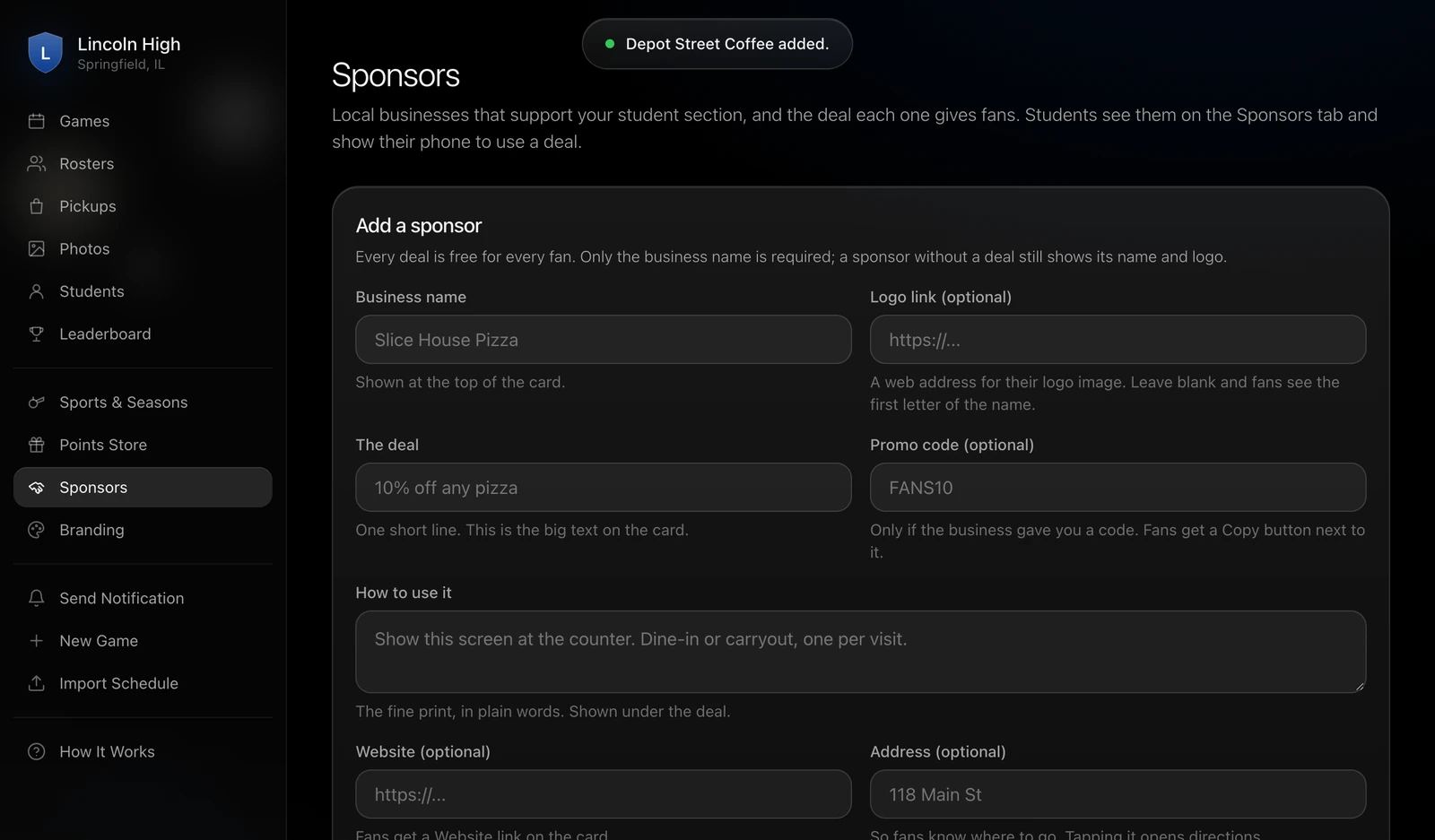
Games, rosters, the points store, sponsors, photos, notifications and your school's colors all live in one place that runs in a browser. Creating a game takes a sport, an opponent, a date and a venue, and the five calls are added for you. After the game you enter the results, mark it final, and points are awarded.
A QR code sign for the gate prints from each game's page, so check-in doesn't ask anyone for their location.
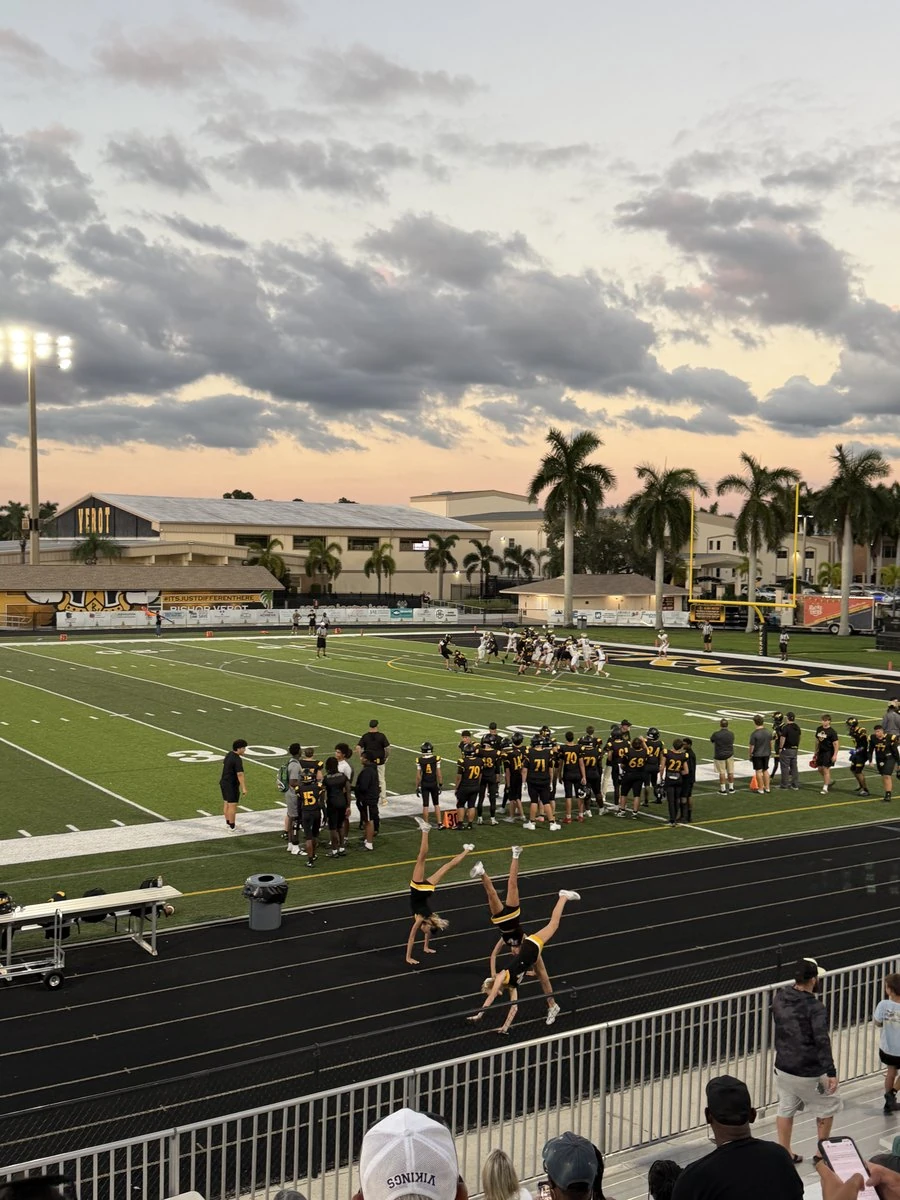
Students already come to games. GrandStand gives them something to do in the stands, and it gives your office a count of who was there.
A home game photographed from the stands.
One price for the whole school
GrandStand costs $100 a month. There's no setup fee and no per-student fee, and the price doesn't change with enrollment, so a school with 200 students pays the same as a school with 2,000.
Safe to put in front of students
The questions a principal will ask were settled before the first screen was built.
- No chat
- There are no comments, no messages and no text posts anywhere in the app. Students post photos from the stands, and that's the extent of it.
- Calls are about our team
- A call never names a player and never mentions the opponent. It's a yes-or-no question, like whether the defense holds a quarter scoreless.
- Points only go up
- Nothing is wagered and nothing can be lost, so there's no betting to explain to a parent.
- One school per student
- Students only ever see their own school. There's no cross-school leaderboard, feed or anything else.
- COPPA and FERPA aware
- The app stores a display name, a school, a school email, and what happens at games. There's no academic data in it at all.
- Photos are reviewed
- Every photo is tied to a real student account, and your office can hide any of them from the dashboard.
See it with your own schedule
A demo is a walkthrough of the student app and the dashboard, using your sports and your venues. You'll hear back from Jackson, who builds GrandStand.
Or email jackson@playgrandstand.com